



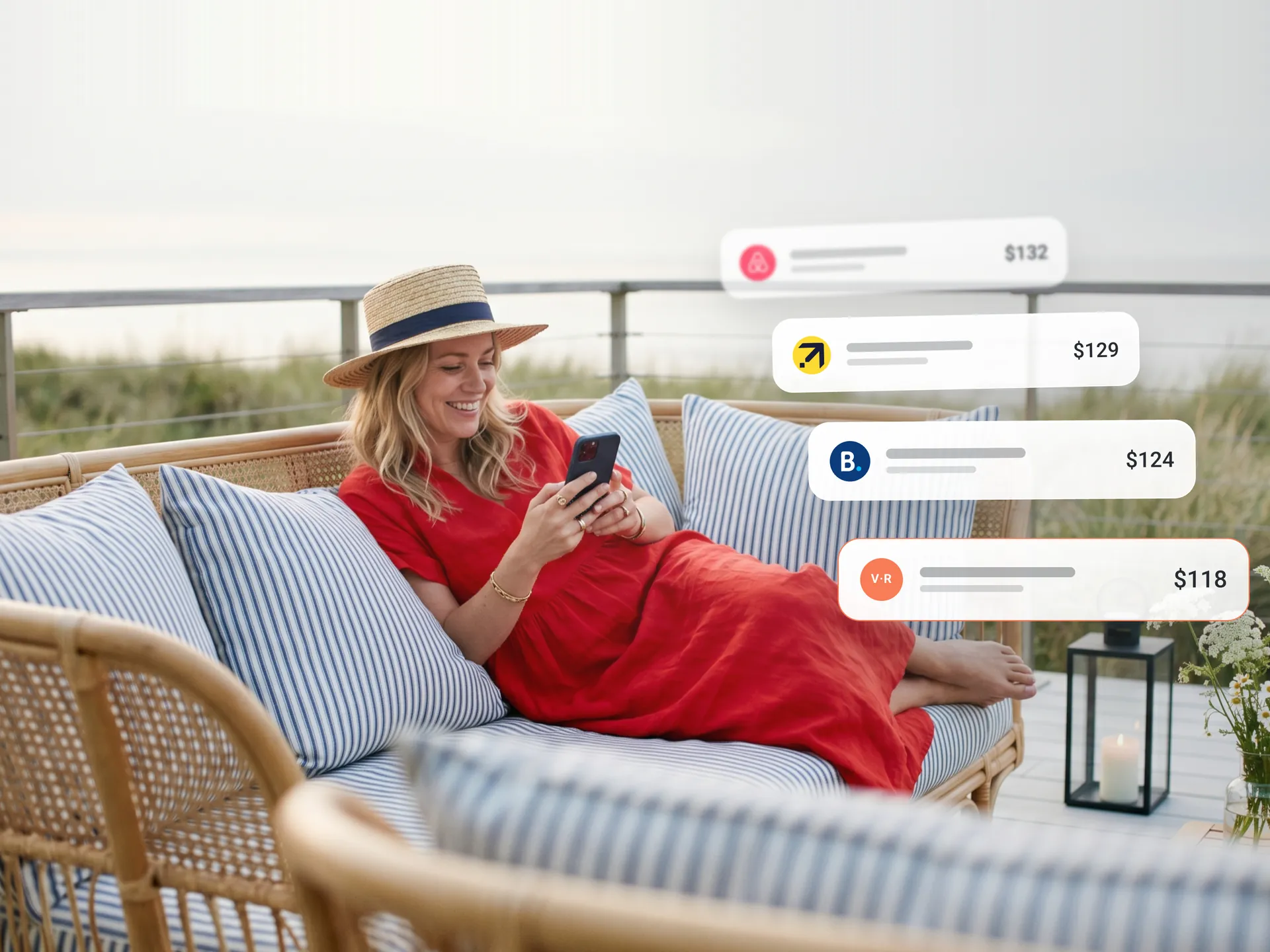
When travelers look up your property, the first prices they see usually come from Booking.com and Expedia. Your own website sits further down — and it’s the one place a booking carries no commission. Google Hotel Ads is how your direct rate joins that price box, and you can start for free.
What Google Hotel Ads are, in plain terms
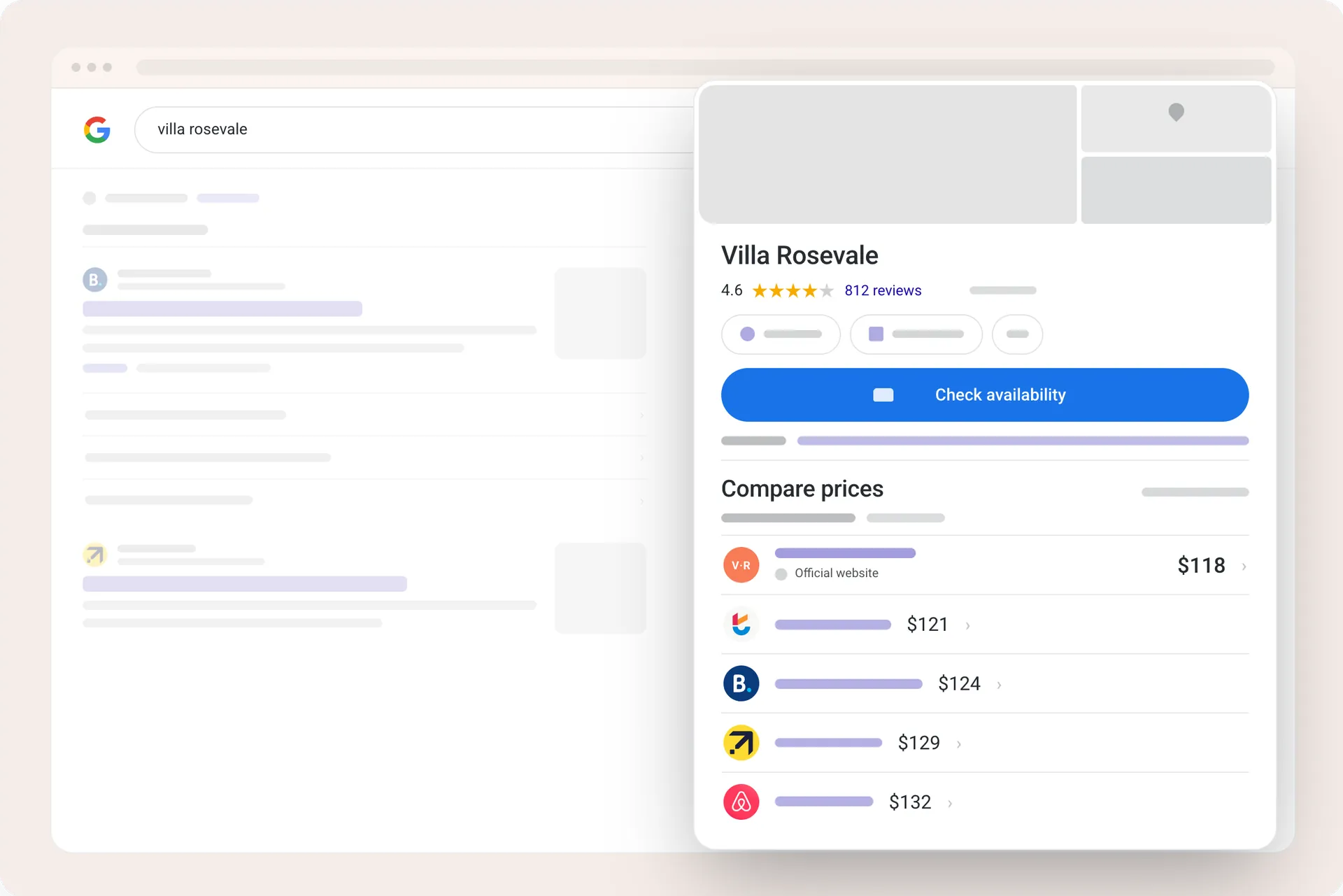
Google Hotel Ads are the price listings that appear when someone searches for your property, or for “hotels in” your town, on Google Search and Maps. Travelers see rates from different booking sites side by side and click the one they want. When your own website is in that list, guests can book direct, and you keep the commission an OTA would have taken.
Google doesn’t take the booking itself. It compares prices and passes the guest on, which is why you’ll hear this called metasearch. Your rates and availability reach Google through a connectivity partner, usually your channel manager or property management system.
The free way in
There are two ways into the price box. One of them is free.
Free booking links are unpaid placements that Google shows alongside hotel ads based on relevance, at no fee to the property. Hotel Ads are the paid version: you bid for position and pay per click, like other Google advertising.
Both send the guest to the same place, your booking page. So the sensible route for a small property is to switch on free booking links first, watch what they bring in for a month or two, then decide whether paid placement earns its keep. In our own customer base, properties that activated Google Hotel Ads saw median direct revenue rise about 14% within 90 days.
Who this is for, and who it isn’t
To appear, your property must be categorized by Google as a Hotel or Resort on your Google Business Profile. If Google classes you as a vacation rental, Hotel Ads isn’t open to you; Google handles vacation rentals through a separate program that also runs through connectivity partners.
One more honest note: if the rate on your website is higher than what OTAs charge for your rooms, hold off. The price box puts your rate next to theirs, and a more expensive direct rate will lose that comparison every time. Fix parity first.
What you need before you start
Four things, and most hosts already have three of them:
- A Google Business Profile with contact details that match what your booking system has on file.
- A website with a booking engine showing live rates and availability.
- Instant confirmation. Bookings must confirm automatically, not sit as requests.
Google also checks that your property meets its requirements for a lodging business, so give your Business Profile current photos and descriptions while you’re in there.
How to get started
Let’s divide this into two parts: the setup, which is quick, and the first month, which is where most properties go wrong.
The setup. You can’t upload rates to Google yourself; they have to flow through an approved partner. If you use Sirvoy, it takes a few minutes in the channel manager:
- Go to Settings → Channels and click Connect next to Google Hotel Ads.
- Choose your bid strategy: “Only Free Booking Links” to start free, or a CPC strategy with a maximum bid if you want paid ads too.
- Select your booking engine and, if desired, enter the page on your website where it’s installed. If you leave the URL blank, the Sirvoy standalone booking engine page will be used instead.
- Save. Your rates and availability start flowing to Google from there.
If you use another system, ask whether it’s a Google connectivity partner and what the connection costs — some charge for it or take a cut per booking (Sirvoy does not).
The first month. Plenty of properties jump straight into paid campaigns. If it’s your first time, we’d rather see you spend nothing and let your own bookings decide the budget. One careful month tells you more than any guide can:
- Start with free booking links only. They cost nothing and show whether Google searches actually bring you guests.
- Give your Google Business Profile the same care as your website. Current photos and an accurate description appear right beside your price, and travelers judge both together.
- Add paid ads only once free links prove there’s demand. Begin with a low maximum bid and raise it when bookings justify it.
- Then leave the settings alone for a few weeks. Ad performance builds over time, and constant early tweaking works against you.
After a month, do the honest math: bookings that came through Google, minus any click costs, against the commission an OTA would have charged for the same stays. That number tells you whether to spend more.
What it actually costs
Free booking links cost nothing, however many clicks they bring. Paid Hotel Ads charge per click, and you set a maximum bid. That bid is a starting point rather than a hard cap — Google can adjust it based on factors like how likely a click is to convert and the length of the stay. There are no setup fees, and since Google retired its commission-per-stay model in 2025, pay-per-click is the only paid route.
Through Sirvoy it works like this: ad costs are drawn from your account balance monthly, and a reserve of about €50/$60 is held while ads run, released if you switch them off. If your balance runs out, the ads pause.
Why it’s worth a try
Most ways of getting seen online ask for money up front and promise results later. This one works in the other order: the free version shows you real demand first, and the paid version waits until you’ve seen it. The price box under your property’s name is already there, with OTA rates in it. Whether your website’s rate joins them is a five-minute setting away.
Enjoyed this article?
Follow Sirvoy for practical tips, product news and fresh ideas to help your property get more bookings.